
Thumbnail API Tutorial for Python Developers — Full Code Examples

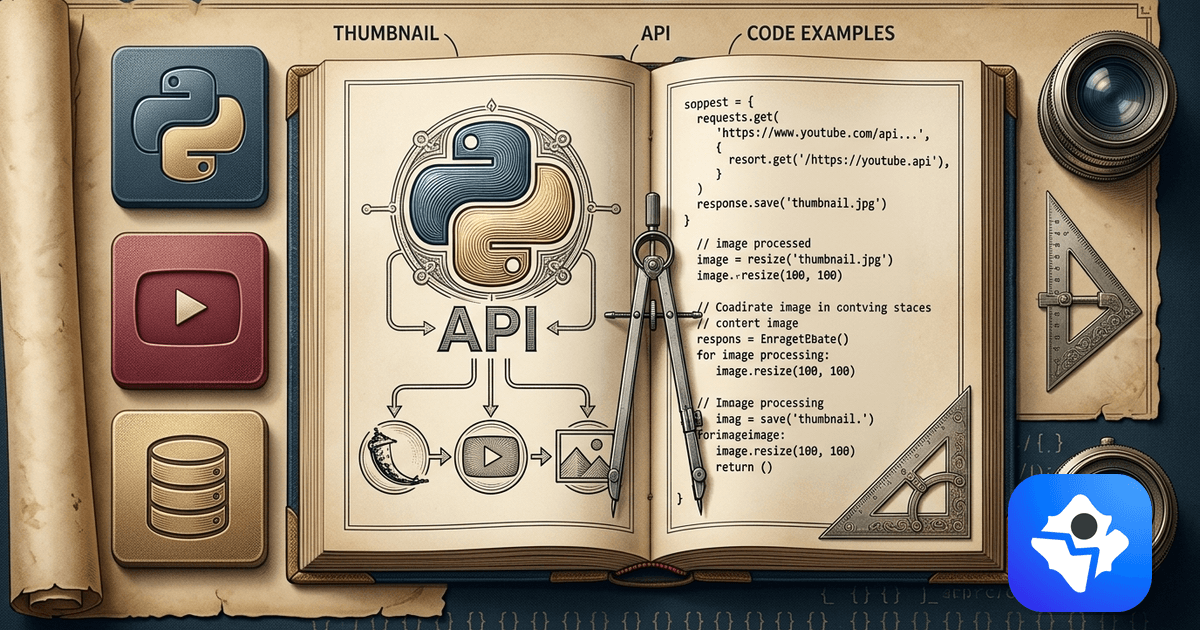
You have a Python script that turns a blog post into a video, transcribes a podcast, or scrapes a content calendar — and now you need cover art for the output. Opening Photoshop kills the whole point of writing the script.
This is the Python tutorial for hitting a thumbnail API from inside that script — sync, async, with retries, and inside a Flask or FastAPI handler. Title in, 1280x720 WebP out, no design tool in the loop.
Why Python Pipelines Need a Thumbnail API
Most Python content pipelines die at the image step. The Python ecosystem is great at text and data — feeds, scrapers, LLMs, transcripts, embeddings — and weak at composing branded raster output. The two usual fallbacks both fall over at scale:
- Pillow / cairo templates. Fine for one fixed layout, painful the moment you want a face cutout, a category-specific palette, or text that fits without manual wrapping. You end up maintaining a tiny design system in code.
- Headless browsers (Playwright + HTML). Works, but you ship a Chromium binary, a font cache, and a 200ms+ render path for every image. Cold starts on serverless are brutal.
A specialized thumbnail API removes both. One requests.post, one binary back, zero fonts to vendor. The rest of this guide is what that integration actually looks like in Python.
Prerequisites
- Python 3.8 or higher
- The
requestslibrary for the sync examples (pip install requests) httpxandasynciofor the async section (pip install httpx)- A ThumbAPI key — grab a free key with 50 credits per month, no card required.
If you'd rather skip the raw HTTP and use the official client, pip install thumbapi ships with type hints and an async client. The full surface is in the Python SDK docs. Everything below uses requests/httpx directly so you can see exactly what is on the wire.
The Minimal Python Request
The whole API surface is one POST. Send a title and a format, get back a base64 image. The smallest script that produces a usable file:
import os
import base64
import requests

API_KEY = os.environ["THUMBAPI_KEY"]
API_URL = "https://api.thumbapi.dev/v1/generate"

def generate(title: str, fmt: str = "youtube") -> bytes:
    res = requests.post(
        API_URL,
        headers={
            "x-api-key": API_KEY,
            "Content-Type": "application/json",
        },
        json={"title": title, "format": fmt},
        timeout=60,
    )
    res.raise_for_status()
    data_url = res.json()["image"]
    return base64.b64decode(data_url.split(",", 1)[1])

if __name__ == "__main__":
    img = generate("How the Roman Empire Actually Collapsed")
    open("thumb.webp", "wb").write(img)
That is the entire happy path. The response is a JSON object with image (a data:image/webp;base64,... data URL), format, outputFormat, generationId, and imageUrl (public Cloudflare R2 CDN link to the same file). Split off the prefix, decode, write — or just take imageUrl and hand it off. The full response shape is documented in the generate endpoint reference.
Pick the Right Format Per Call
format controls output dimensions and layout family. The four you'll use most:
"youtube"— 1280x720, the YouTube thumbnail standard."blogpost"— 1200x630, the OG image standard for blog covers."linkedin"— 1200x627, sized for LinkedIn feed shares."instagram"— square 1080x1080.
Passing the format is enough — you do not need to compute dimensions yourself. For the full list, the code examples page has copy-paste calls for each format.
Real-World Pattern: Retries and Rate-Limit Handling
The minimal example above will fail in production the first time the API returns a 429 or times out. The fix is a small retry decorator with exponential backoff. Nothing fancy, just enough to survive a flaky network:
A few hard-won notes from running this in real pipelines:
- Only retry idempotent failures. Network errors, 5xx, and 429 are safe to retry. A 401 (bad key) or 422 (bad payload) is not — fail fast and surface the message.
- Cap concurrency, not just retries. The single biggest cause of 429s is firing 50 requests in parallel with
ThreadPoolExecutorand no semaphore. Keep it at 4–6 and you almost never see a rate-limit response on the free tier. - Persist the title → filename mapping. When a batch dies halfway, you want to resume by checking which files already exist on disk rather than re-running the whole call.
For the full batch script with logging and resumable runs, batch thumbnail generation in Python is the production version of the pattern above — CSV in, folder of WebPs out. If your batch is closer to 100–10,000 videos at once, jump directly to the bulk thumbnail generation use case, which tunes the same script for per-plan concurrency and adds a resumable manifest.
Async Python with httpx
Sync requests is fine for one-off scripts. The moment you want to generate 50 thumbnails as part of an async ingestion pipeline — say a FastAPI worker pulling from a queue — you want httpx with an AsyncClient and a semaphore.
The semaphore is doing the real work — asyncio.gather would happily fire all 50 in parallel and earn you a 429 on every other call. With a cap of 4, a batch of 50 titles finishes in roughly six minutes of wall-clock time on the free tier.
Dropping It Into a Web Framework
Most of the time you don't want a file on disk — you want the image piped straight back to a client, an S3 upload, or a CMS field. The function shape is identical, the wrapper changes.
FastAPI Route
from fastapi import FastAPI, HTTPException
from pydantic import BaseModel
import httpx, os

app = FastAPI()

class ThumbnailRequest(BaseModel):
    title: str
    format: str = "youtube"

@app.post("/api/thumbnail")
async def create_thumbnail(req: ThumbnailRequest):
    async with httpx.AsyncClient(timeout=60.0) as client:
        res = await client.post(
            "https://api.thumbapi.dev/v1/generate",
            headers={
                "x-api-key": os.environ["THUMBAPI_KEY"],
                "Content-Type": "application/json",
            },
            json=req.model_dump(),
        )
    if res.status_code != 200:
        raise HTTPException(status_code=res.status_code, detail=res.text)
    return res.json()  # passes through the data URL to the client
Flask Route
from flask import Flask, request, jsonify, abort
import requests, os, base64

app = Flask(__name__)

@app.post("/api/thumbnail")
def create_thumbnail():
    body = request.get_json(silent=True) or {}
    title = body.get("title")
    if not title:
        abort(400, "title is required")

    res = requests.post(
        "https://api.thumbapi.dev/v1/generate",
        headers={
            "x-api-key": os.environ["THUMBAPI_KEY"],
            "Content-Type": "application/json",
        },
        json={"title": title, "format": body.get("format", "youtube")},
        timeout=60,
    )
    if not res.ok:
        abort(res.status_code, res.text)
    return jsonify(res.json())
Two things to watch in a web handler:
- Do not block the event loop with
requests. Inside FastAPI, usehttpx.AsyncClient(as above) or wraprequestsinasyncio.to_thread— otherwise a 25-second generate call freezes the whole worker. - Don't return the base64 to a browser if you can avoid it. For a real product, write the decoded bytes to object storage and return the public URL. The data URL is convenient for prototypes, not for production page weight.
Locking the Visual Style Across Calls
For a single channel or single brand, you want every thumbnail to look like it came from the same hand. The API has three knobs that handle this without any client-side compositing:
usePhoto: True— overlays the photo you saved in the dashboard. Use this for face-camera channels.useLogo: True— drops your saved logo into the corner.customAssetsId— points at a custom reference set you uploaded once. Every call inherits the palette, typography, and aesthetic of that set.
res = requests.post(
    "https://api.thumbapi.dev/v1/generate",
    headers={"x-api-key": API_KEY, "Content-Type": "application/json"},
    json={
        "title": "How the Roman Empire Actually Collapsed",
        "format": "youtube",
        "usePhoto": True,
        "useLogo": True,
        "customAssetsId": "m6XhjtZNdF0N2AFXUOiq",
    },
    timeout=60,
)
The full mental model for when to lean on the photo/logo flags versus a custom reference set is covered in the custom asset datasets guide. For Node.js builds of the same workflow, the step-by-step Node.js guide walks the same integration end-to-end, and the JavaScript batch runner covers the production loop.
Error Codes You Will Actually See
The codes that show up in real Python integrations and what they mean:
- 200 — Success. Decode
imageand use it. - 401 — Invalid or missing
x-api-key. Checkos.environ. - 422 — Bad payload. Usually a typo in
formatorimageStyle. - 429 — Rate limit. The retry decorator above handles this. If you see it constantly, drop concurrency.
- 5xx — Transient server error. Retry with backoff.
The full list with example bodies lives in the errors reference.
How ThumbAPI Fits a Python Stack
ThumbAPI is an HTTP-first product — there is no SDK requirement, no headless renderer to install, no font cache to manage. From a Python script you get exactly what you got above: one POST, one JSON response, one decode. The API does the layout selection, the reference retrieval, the photo/logo compositing, and returns the final image at the right dimensions for the format you asked for.
The free tier — 50 credits per month, and a standard thumbnail is 10 credits — is enough to wire the integration end-to-end and confirm the output on real titles from your own pipeline before committing to a paid plan. For the broader product surface (formats, pricing, custom assets) the YouTube thumbnail API landing page lays it out in one place, and the quickstart has the five-minute version of this guide.
Ship the Python Integration
The smallest version of this is fifteen lines of requests code; the production version is a hundred with retries and async. Either way, the design tool stops being a step in your pipeline.
Start free with 50 credits per month and drop the snippet straight into your script — no credit card, no install beyond pip install requests.

Written by
Aldin KozicaFull-stack developer from Bosnia and Herzegovina. I built ThumbAPI because I kept watching content teams waste hours on thumbnail design when the patterns are predictable enough to automate. The API is the tool I wished existed when building content pipelines for my own projects.
Continue Reading
A complete walkthrough for wiring a thumbnail API into a Node.js project — env setup, first request, saving files, error handling, and dropping the call inside an Express or Next.js route.
How to Use Custom Asset Datasets for Brand-Consistent ThumbnailsUpload reference images once, then every thumbnail the API generates matches your channel's visual identity. Step-by-step guide with cURL, Python, and JavaScript examples.
Generate YouTube Thumbnails with JavaScript and Node.jsComplete guide to integrating ThumbAPI into JavaScript and Node.js projects. Covers single requests, batch generation, TypeScript types, and integration patterns.
Batch Thumbnail Generation for 100 Videos with PythonBuild a Python script that processes a CSV of video titles and generates production-ready thumbnails for all of them in a single run using ThumbAPI.
Generate Thumbnails With an API
Try ThumbAPI free. 50 credits per month, no credit card required. One API call, production-ready output.