
Free YouTube Thumbnail Maker — No Design Skills Needed
Type your video title, pick a style, get a 1280×720 YouTube thumbnail in under 25 seconds. No Canva, no Photoshop, no templates. 50 free thumbnails every month, no credit card required.
Most creators lose 20–60 minutes per video to thumbnail design — dragging text around Canva, picking fonts, choosing colors, trying to match a template that looks dated by the third video. This is the free version of what a professional AI thumbnail tool looks like: one title in, one publish-ready 1280×720 image out.
Make your first thumbnail free — 50 credits / month
Try It for Free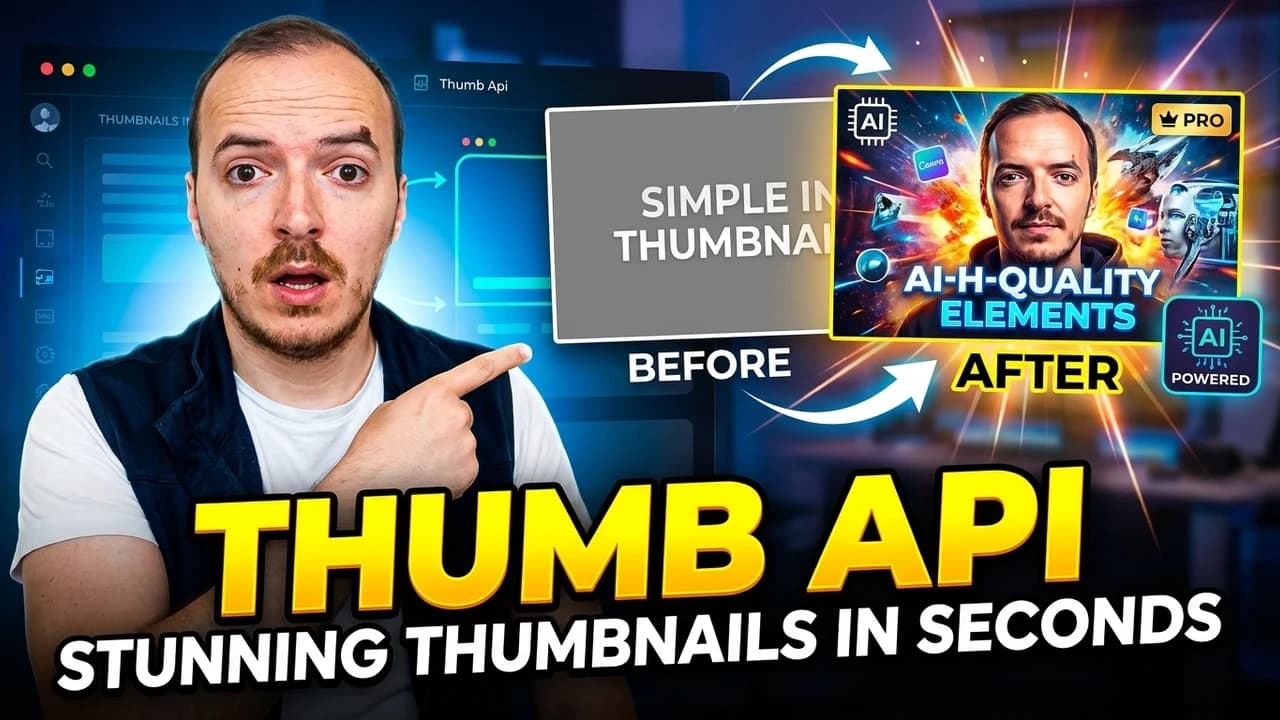

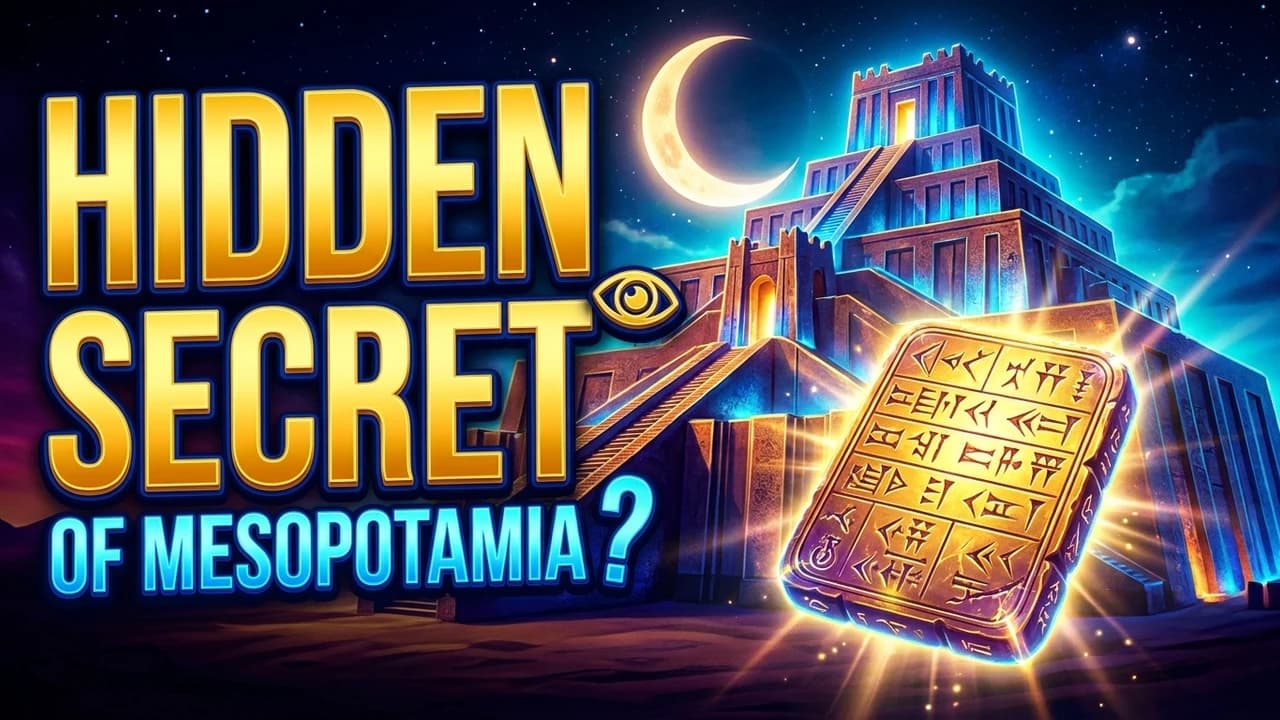

Real 1280×720 thumbnails generated by ThumbAPI from a title alone
How It Works
Three steps. No software to install.
- Sign up free. Grab a free account at app.thumbapi.dev. No credit card, 50 credits waiting for you.
- Type your video title. Paste the exact title you plan to publish. Pick a style (faceless, personalized, or branded) and hit generate.
- Download the thumbnail. Under 25 seconds later, you get a finished 1280×720 image. Save as PNG or WebP, upload to YouTube, publish.
No layers, no manual crop, no font picking. The AI handles composition, typography, colors, and layout based on your title.
Pick a Style That Fits Your Channel
| Style | What You Get | Best For |
|---|---|---|
| Faceless | Text-and-graphic design with no people. Bold typography, color gradients, icons. | Automated content, compilation channels, listicles, tutorials without a host. |
| Personalized | A photo of you composited into the design. Upload once, toggle on future thumbnails. | Creator-led channels, podcasts, courses, vlogs. |
| Branded | Your channel or company logo overlaid. Upload once, appears on every thumbnail. | Companies, agencies, multi-show brands, media businesses. |
You can combine personalized and branded on the same thumbnail — face and logo — which is what most creator brands end up doing.
Free Tier — What Fits in 50 Credits
A standard 1K YouTube thumbnail costs 10 credits. With the free tier's 50 credits per month, that's 5 free YouTube thumbnails every month, forever. No credit card, no trial timer, no auto-conversion to paid. Cancel-proof because there's nothing to cancel.
If you publish more than 5 videos a month, the Creator plan ($19/mo) gives you 75 thumbnails. Watermark disappears at Creator and above.
| Plan | Credits / month | Thumbnails / month | Price |
|---|---|---|---|
| Free | 50 | 5 | $0 |
| Creator | 750 | 75 | $19/month |
| Pro | 2,500 | 250 | $49/month |
| Business | 10,000 | 1,000 | $199/month |
See the full pricing page for what each plan includes.
Who This Is For
New Creators
First 10 videos and you don't want to spend money on Canva Pro or fight with free templates. The free tier covers your first 5 videos per month at zero cost.
Faceless Channels
No face, no design skills, no problem. The faceless style is tuned for compilation, listicle, and educational channels where you don't want a person on the thumbnail.
Weekly Uploaders
You ship 1–2 videos a week and 30 minutes of thumbnail work each time is a real tax on your schedule. This replaces that step.
Non-Designers
You're a technical creator, teacher, or founder — you can write the title but not design the visual. Type the title, let the AI design.
Compared to Free Alternatives
The other free options for YouTube thumbnails have real trade-offs. Here's where each one lands:
| Tool | Approach | What It Costs You |
|---|---|---|
| Canva Free | Manual design with templates | Time — 20–60 min per thumbnail. Free templates get overused and look dated fast. |
| Midjourney | General-purpose AI image model | $10/mo minimum, no free tier. Text at thumbnail scale is unreliable, needs Photoshop step after. |
| Photoshop / Figma | Manual design from scratch | Steep learning curve. Paid tool. Time. |
| ThumbAPI Free | Purpose-built AI thumbnail generator | 5 free thumbnails per month, no design work. Watermark until you upgrade. |
Advanced — Automate With the API
This page is the free-tier maker. If you publish at scale or want to wire thumbnails into a content pipeline, ThumbAPI is also a full REST API — one POST returns a finished thumbnail. See the YouTube Thumbnail API page for the developer-facing version.
For developers — one line to generate
curl -X POST https://api.thumbapi.dev/v1/generate \
  -H "x-api-key: YOUR_API_KEY" \
  -H "Content-Type: application/json" \
  -d '{
    "title": "10 Tips to Grow Your YouTube Channel",
    "format": "youtube"
  }'
Full setup in the quickstart guide — under 5 minutes end to end.
FAQ
Is the YouTube thumbnail maker really free?
Yes. The free tier includes 50 credits per month with no credit card. A standard YouTube thumbnail costs 10 credits, so that's 5 free thumbnails every month, forever. Paid plans start at $19/month with 750 credits (75 thumbnails).
Do I need design skills to use this?
No. Type your video title, pick a style (faceless, personalized, branded), hit generate. The AI handles composition, typography, colors, and layout. No Canva, no Photoshop, no templates.
What size are the thumbnails?
YouTube's recommended size: 1280×720 pixels, 16:9 aspect ratio. That's exactly what you get with the youtube format.
How long does it take to make a thumbnail?
Under 25 seconds from title to finished image. No queues, no polling — the image comes back in the same response and you can download it immediately.
Can I put my face on the thumbnail?
Yes. Upload a photo of yourself once in your dashboard, then toggle the personalized style. The AI composites your face into the design. See personalized thumbnails for details.
Can I add my channel logo?
Yes. Upload your logo once, toggle the branded style, and every thumbnail carries the logo automatically. See branded thumbnails for details.
Do the free thumbnails have a watermark?
Yes — a small ThumbAPI watermark. Paid plans (Creator $19/mo and up) return watermark-free images. If a watermark blocks your use case, upgrade at any time; there's no trial timer forcing you.
Can I upload the thumbnail directly to YouTube?
Download the image and upload it via YouTube Studio like any other thumbnail. If you want to automate the whole publishing step end-to-end, the n8n automation guide walks through it.
Grab your free account — 5 YouTube thumbnails on us this month
Start FreeRelated Pages
The developer-facing version — one REST call returns a finished 1280×720 thumbnail.
QuickstartGet an API key and make your first call in under 5 minutes.
PricingFree tier + paid plans. Credits, features, and what each plan unlocks.
Faceless ThumbnailsThe default style — text-and-graphic thumbnails with no faces, tuned for compilation and educational channels.
Personalized ThumbnailsInclude your face on every thumbnail — upload a photo once, toggle on future videos.
Auto-Generate With n8nWalkthrough for wiring ThumbAPI into an n8n workflow that ships thumbnails automatically.