
ThumbAPI Studio — No-Code Thumbnail Dashboard
Studio is ThumbAPI's visual dashboard for people who do not want to write code. Sign up, type a title, pick a platform, click generate, download the thumbnail. That is the whole workflow. Every AI feature exposed by the API is exposed in Studio too — same pipeline, same output quality, just wrapped in a form instead of a JSON POST.
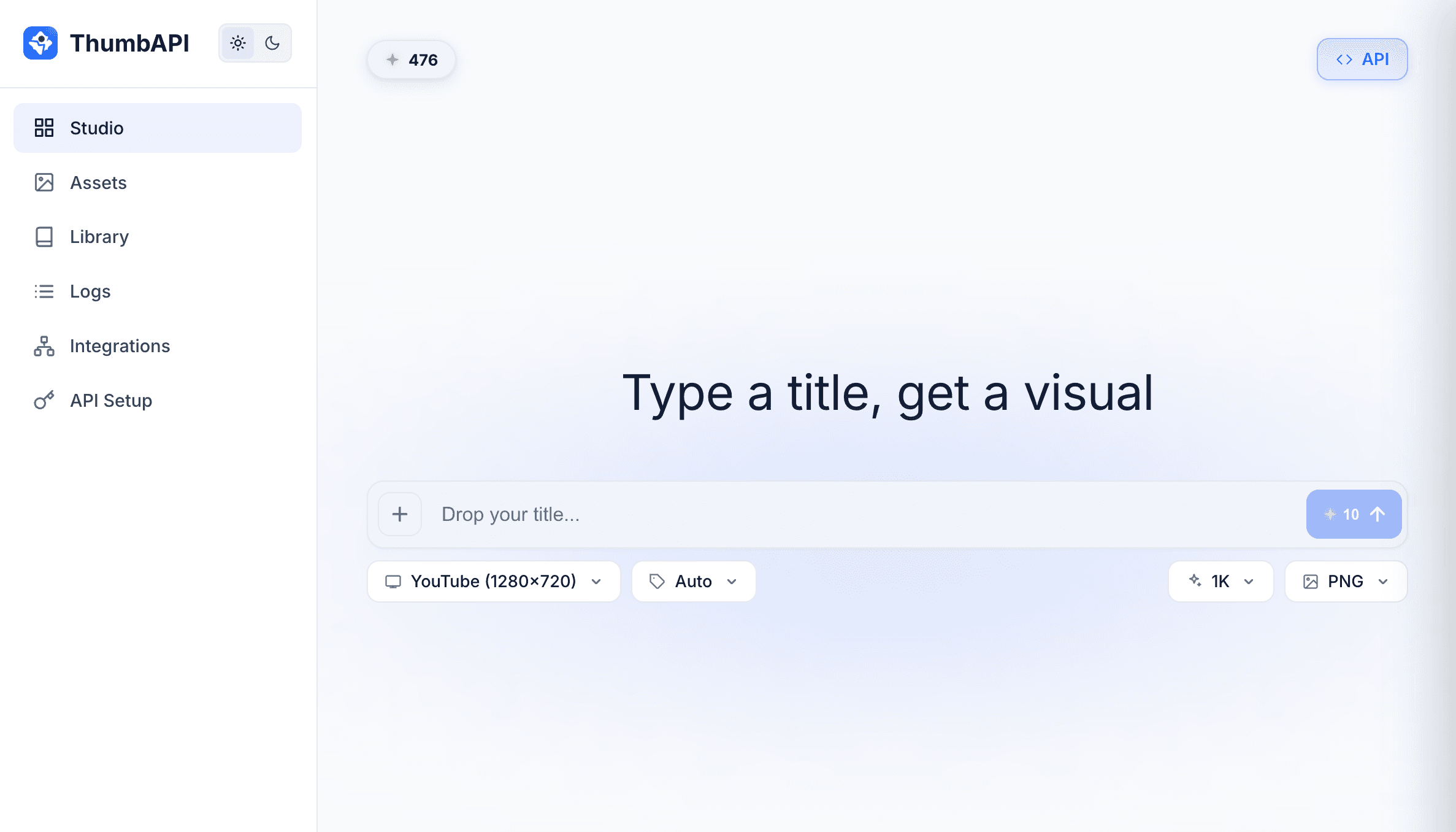
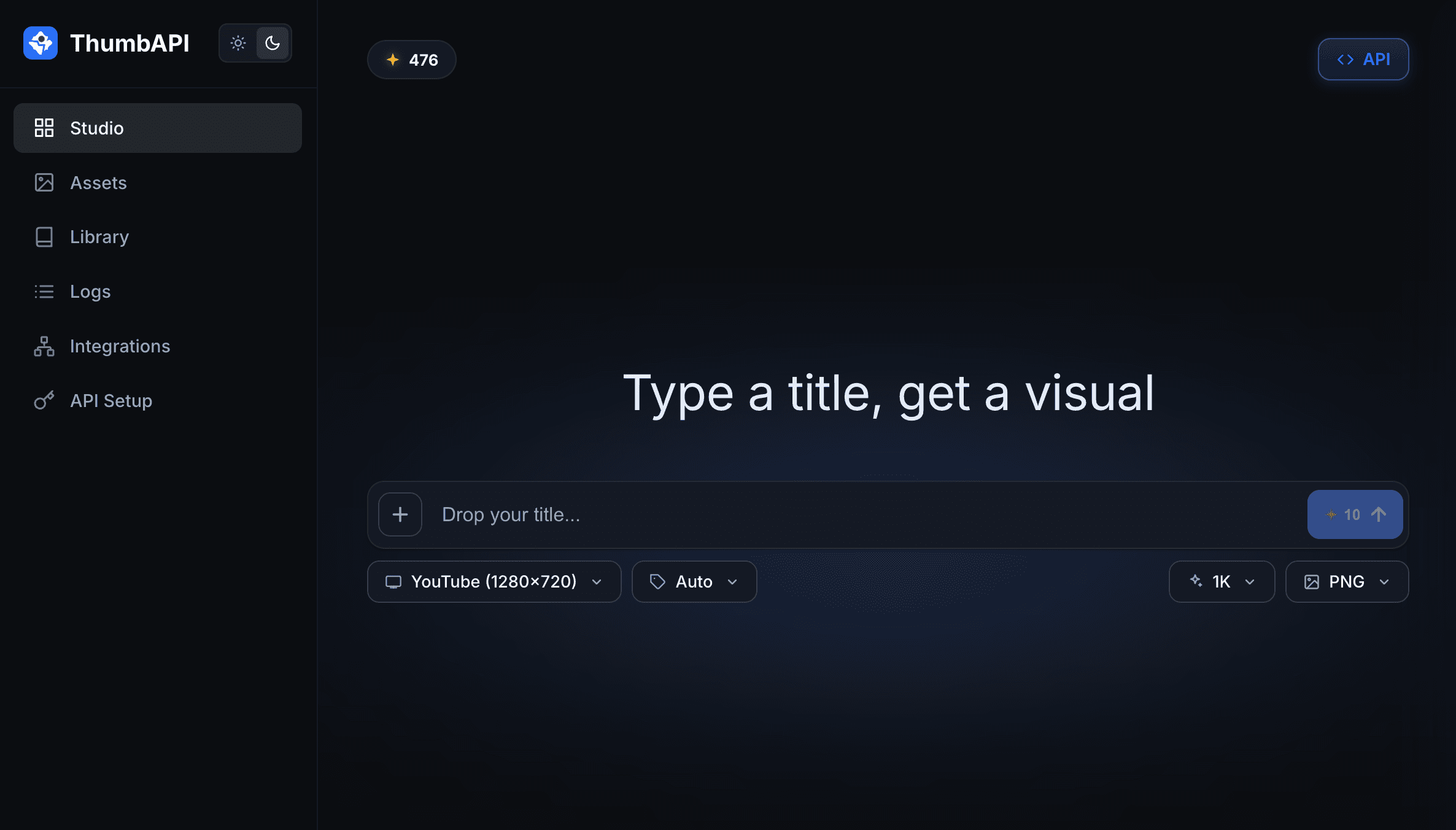
The Studio generate form — title input, format and category dropdowns, quality and output format selectors, and a single generate button. Every API parameter, mapped to a UI control. Sidebar has Assets, Library, Logs, Integrations, and API Setup.
What Studio Is
Studio is the browser-based frontend for ThumbAPI. It gives you the full generation surface with no API key required. You log in with your ThumbAPI account and everything runs from the dashboard:
- Generate thumbnails — enter a title, choose a platform (YouTube, Instagram, LinkedIn, X, or blog cover), pick a category or leave on auto, hit generate
- Toggle flags visually — use your saved photo, use your saved logo, both, or neither — checkboxes instead of JSON keys
- Save brand assets — upload your Personal Photo and your Logo once; every future generation reuses them
- Upload Custom Datasets — drop 1–6 reference thumbnails, tag them with a name, get back a Custom Dataset you can select on any future generation
- Choose output quality — 1K (SD) on any plan, 2K (HD) on Pro and Business
- Download as WebP or PNG — one click, direct download
- View generation history — every thumbnail you have made, with re-download and delete controls
Studio vs. API — Same Product, Two Interfaces
Studio and the ThumbAPI generate endpoint call the same underlying AI pipeline. A thumbnail generated from Studio is indistinguishable from one generated by a POST /v1/generate call with the same inputs. Same references, same model, same output.
What differs is the interface. Studio gives you a form. The API gives you a JSON POST. Use whichever fits your workflow — or use both. Assets saved in Studio (photo, logo, custom datasets) are available to your API calls automatically. Assets uploaded via the API are visible in Studio.
Who Studio Is For
Solo Creators
You publish 2–5 videos a week on YouTube. You do not want to write code, learn a new API, or plug anything into n8n. You want a form: type a title, get a thumbnail. Studio is that form.
Marketing Teams
Your marketing team generates blog cover images and social share graphics daily. They are not engineers. Studio lets them handle thumbnails end-to-end without pulling in a developer.
Agencies With Client Handoff
Give clients Studio access so they can generate their own thumbnails between engagements. You retain the API for automation and volume; clients use Studio for one-offs.
Anyone Testing ThumbAPI Before Integrating
Before wiring the API into your CMS or automation platform, Studio lets you validate the output quality against your specific use case. Generate 5–10 thumbnails through the form, see if you like the results, then wire up the API with confidence.
What You Cannot Do in Studio (Yet)
Studio is not a batch tool. If you need to generate 100 thumbnails from a spreadsheet in one go, use the API — either directly (up to 50 concurrent requests) or through n8n, Make, or Zapier. Studio is one thumbnail per submit.
Pricing
Studio uses the same credit pool as the API. Every generation costs the same in both interfaces — 10 credits for 1K SD, 20 for 2K HD, plus +2 per add-on (usePhoto, useLogo, customAssetsId). Free tier: 50 credits per month, no credit card required. Full plans on the pricing section.
Open Studio in your browser — no code, no setup
Sign up free and start generating thumbnails from the dashboard in under a minute. 50 credits per month on the free tier.
Related Pages
The pipeline Studio calls under the hood — how a title becomes a fresh thumbnail.
Smart ReferencesThe default reference discovery that runs behind every Studio generation.
Custom DatasetsUpload your own reference sets from Studio — clone your brand style at 80–100% fidelity.
Photo in ThumbnailSave your headshot from Studio and toggle usePhoto on any generation.
Branded ThumbnailsSave your logo from Studio and auto-overlay it on every future thumbnail.
Free YouTube Thumbnail MakerThe public-facing free tool that runs on the same Studio infrastructure.